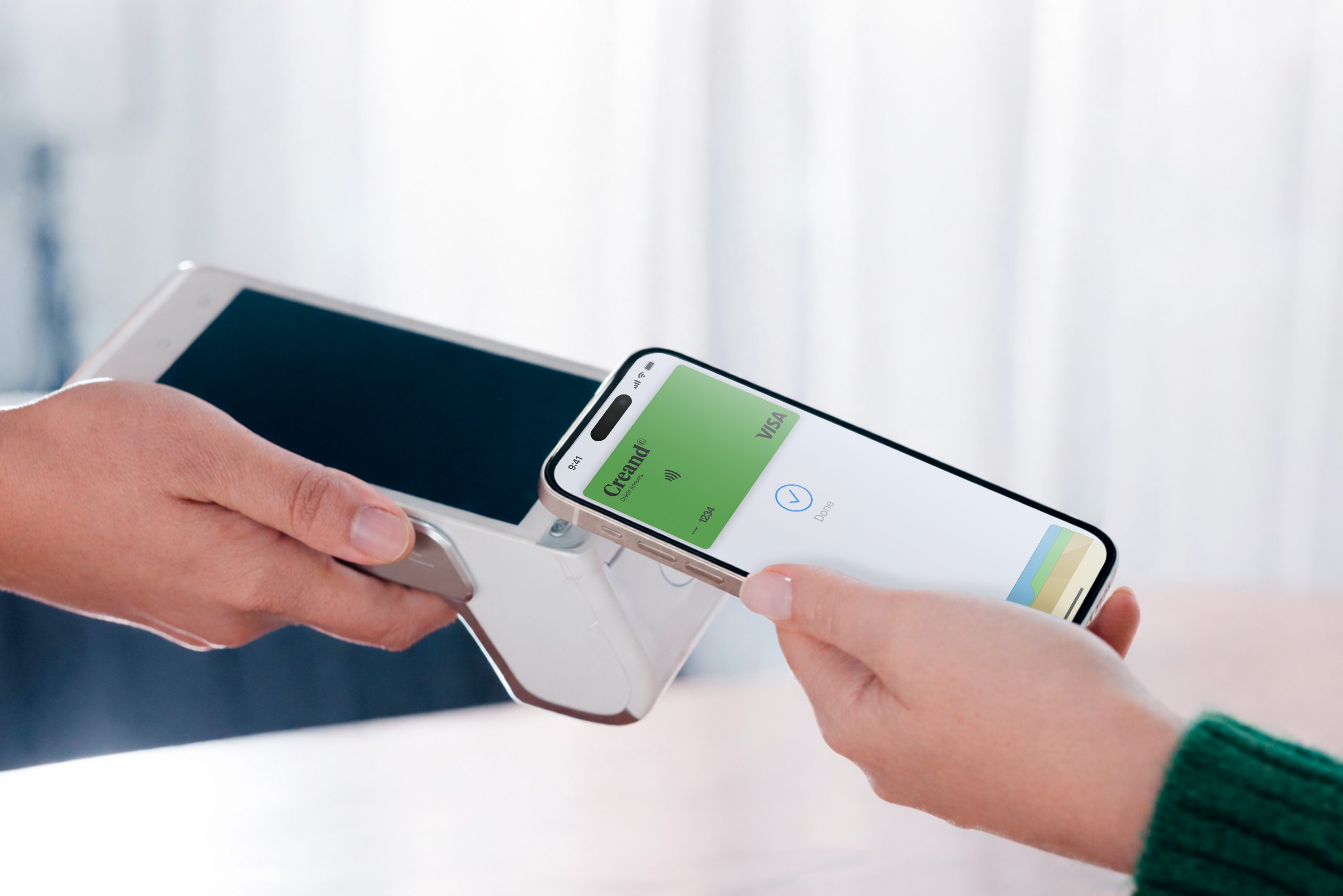
Why should you pay with your mobile phone?
Carrying money around is a thing of the past. With Creand you have several options at your disposal to pay for your purchases conveniently using your mobile phone.
It’s fast and easy. Payment is made in an instant, conveniently.
No need to carry around your wallet or cash.
Secure. Activate the notification service to be informed every time you pay.
Why should you pay with your mobile phone?
Carrying money around is a thing of the past. With Creand you have several options at your disposal to pay for your purchases conveniently using your mobile phone.
The convenience of paying by card using your mobile phone
Choose the payment application that suits you best and enjoy all its advantages.
Apple Pay™
Apple Pay, the simple, secure, and private way to pay in stores, online, and in apps. Available with Creand card and Apple devices.
Google Pay™
Add your Creand VISA cards to Google Wallet and pay with any Android device.
Garmin Pay™
Register your Creand VISA cards on your Garmin watch, it’s all you need to pay, you don’t need to carry anything else!
Bizum: send and receive money on your mobile quickly and securely.
Start enjoying your new digital experience!
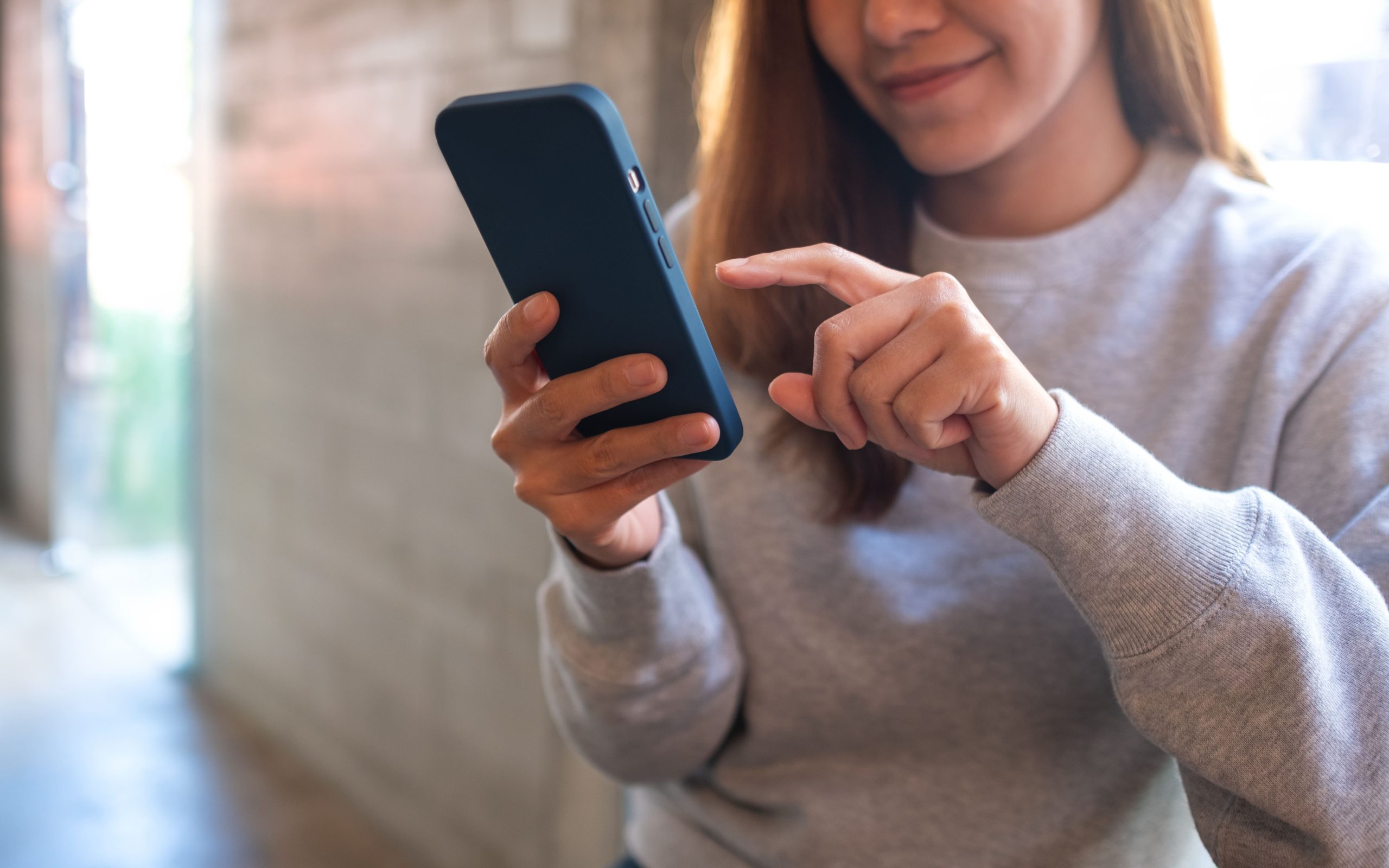
- Carry the bank in your pocket, open 24 hours a day, 365 days a year! Haven’t you downloaded it yet?
Download the Creand app


We solve your doubts
To be able to pay by mobile, your smartphone needs to have an NFC system, which is a short-range wireless communication technology. If the user’s phone does not have one, they must have an NFC sticker, which can be attached to the mobile phone and used to pay.
You should bear in mind that in order to be able to pay using your mobile phone, you can do so through the apps Google Pay, Apple Pay or Garmin Pay.
You can add your VISA cards from the cards section of the Creand Online Banking app.
Just click on the first wallet icon and follow the steps.
All Creand VISA cards can be configured with Apple Pay, Google Pay and Garmin Pay, including the Teens card.
Once you have configured the mobile payment app, you can pay at a store quickly and easily. You just need to hold your mobile phone close to the merchant’s payment terminal (POS), as if it were a contactless card. Make sure your mobile phone is unlocked and, if necessary, validate the payment with the configured security method (PIN, fingerprint or facial recognition). The payment will be confirmed in a few seconds.
Paying by mobile phone is secure. In fact, it has more safeguards than doing it using a contactless card, as it requires the user to unlock the mobile screen first.
The mobile payment service can be used at any establishment that has a POS terminal with contactless and in online shopping.